Overview
As Glass Health expanded its capabilities, clinicians needed a structured way to anchor that intelligence to real patients across time.
I designed the interface for a patient management system that organizes clinical work into two levels: Patients, a parent container which holds longitudinal context, and Encounters, which capture individual clinical interactions.
This framework gave the platform a stable foundation for scribing, clinical decision support, documentation, and EHR context to build on, shifting Glass from a single-session chat tool into a true command center where patient history and documentation stay connected.
Problem
Before patient management existed, Glass treated every interaction like a standalone chat.
Clinicians had no way to keep their work organized across patients or patient encounters. Each patient and each encounter would mean either starting a new chat and re-entering context or digging through old chats to find the right one.
Critical information like scribing transcripts and insights, uploaded patient records, and generated documentation were scattered without any structure. This made longitudinal reasoning a headache and forced providers to rebuild context every time they wanted to use Glass.
Solution
A two-tier patient management interface: Patients, which preserve long-term clinical context, and Encounters, which organize each clinical interaction into its own chat. Context uploaded to a Patient is taken into account for all subsequent Encounters when relevant, and each Encounter features an auto-updating patient summary and event timeline.
This structure gives providers clear separation between patients and encounters within patients, and quick access to patients via search in the sidebar. The result is a platform where clinical reasoning can compound over time rather than resetting with each session.
Core Flow
Create a new patient
Manually add patient information or connect to the EHR
Upload patient context
Upload files to make it available as context across all chats and ambient scribing sessions for a patient.
View EHR Data
For organizations with an EHR connection, view EHR patient data directly in the interface.
Track subsequent patient encounters
Add and manage new encounters under the same patient profile
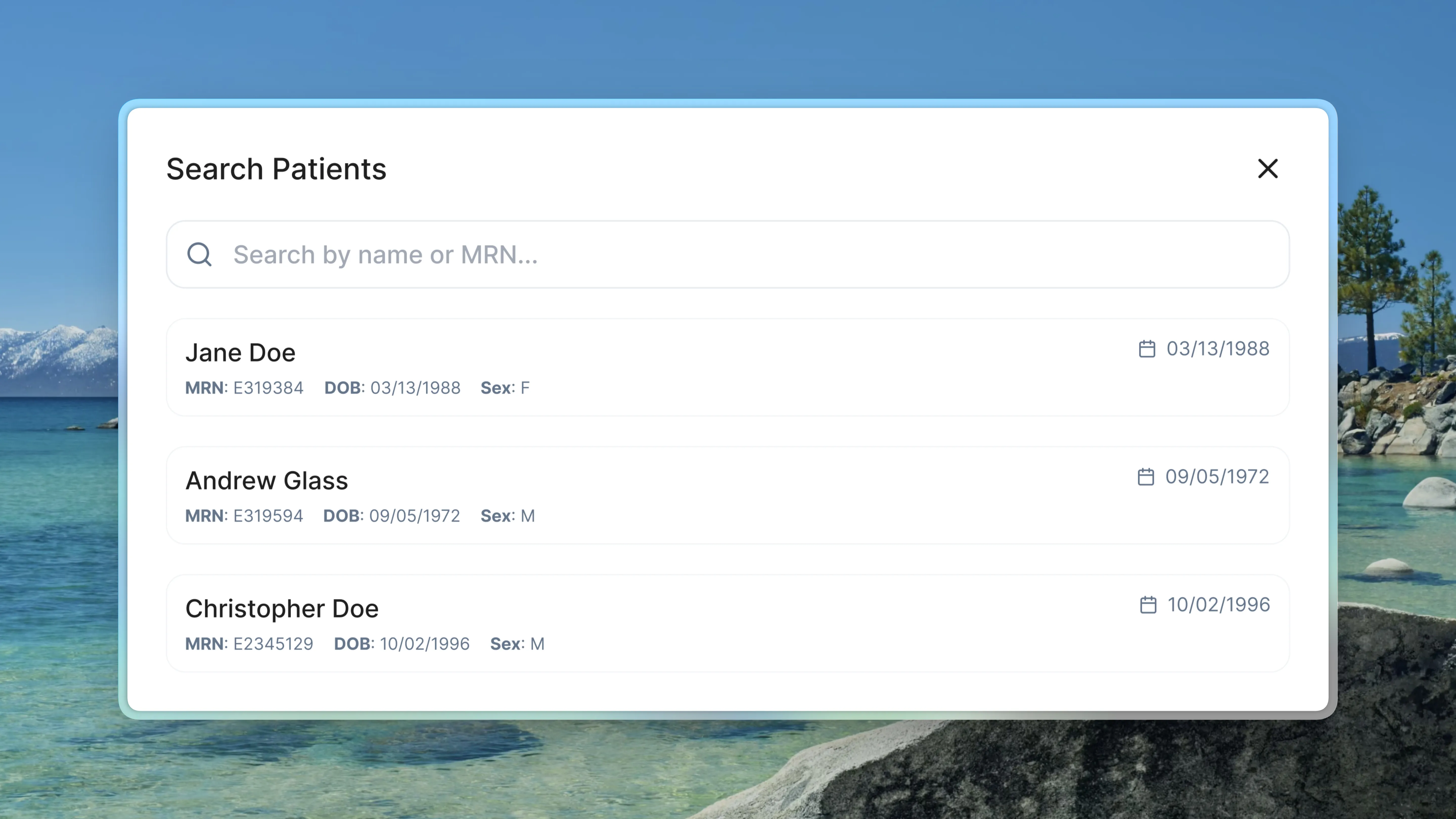
Search for patients
Use the sidebar to search for patients by name or MRN
Impact
The patient management system fundamentally changed how clinicians use Glass. Instead of being forced to start from scratch with each patient and encounter or waste time digging through old chat threads, they can now work within organized patient containers and encounter sub-containers that retain patient context, providing a more structured experience.